
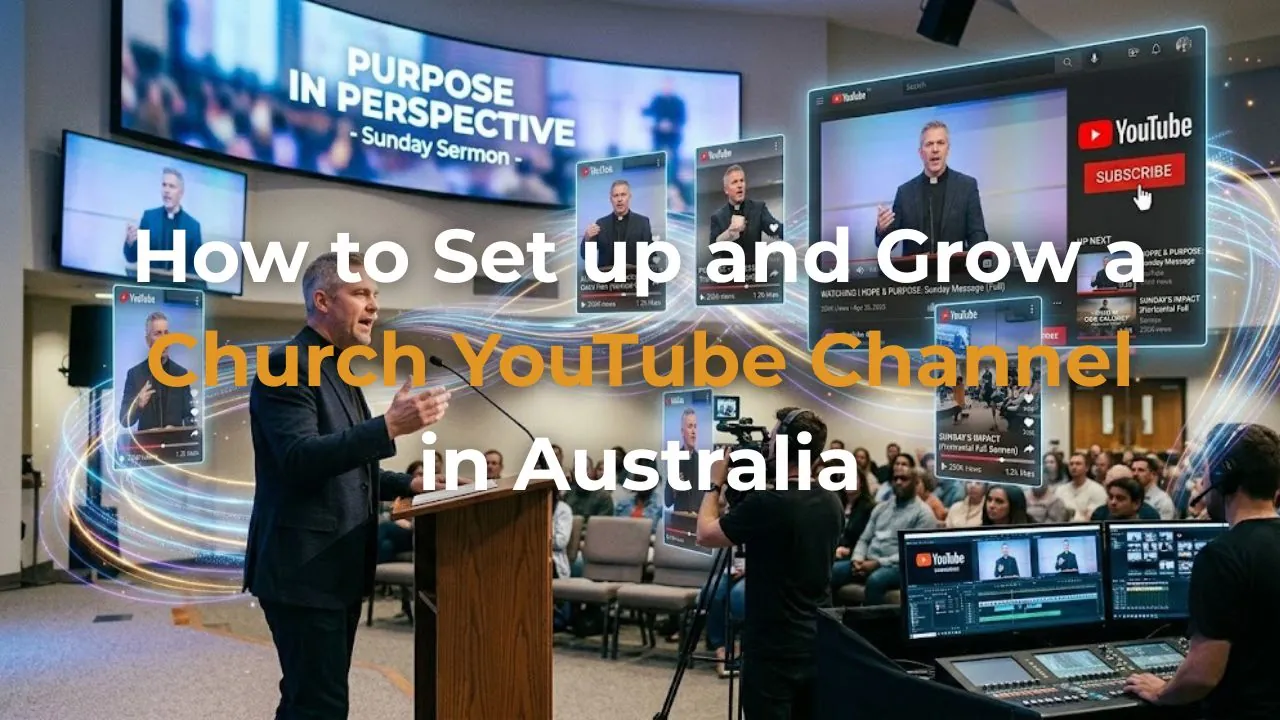
How to Set Up and Grow a Church YouTube Channel in Australia
Jul 06, 2026Most Australian churches think of YouTube as a place to upload their Sunday sermons. And it is — but it's also significantly more than that.
YouTube is the world's second largest search engine, with over 2 billion logged-in users every month. In Australia alone, more than 15 million people watch YouTube every single day. They search it like Google — typing in questions, topics, and needs — and YouTube serves them video content that matches what they're looking for.
This means your church's YouTube channel is not just a video library. It is a search engine asset — a place where people who have never heard of your church can discover your pastor's teaching, your community's story, and the gospel your church preaches every Sunday.
In this post I want to walk you through exactly how to set up a church YouTube channel correctly and, more importantly, how to grow it in a way that actually reaches people beyond your existing congregation.
Why YouTube Matters More Than Any Other Video Platform
Your church might already be posting videos on Facebook or Instagram. Those platforms have value — but they have one significant limitation: they are primarily designed to reach people who already follow you.
YouTube is different. YouTube is built around discovery. Its algorithm actively recommends content to people who don't follow your channel — based on what they've searched for and what they've watched before. A video about grief, anxiety, faith, or purpose can reach someone who has never heard of your church and is searching for answers at 11pm on a Tuesday.
Additionally, YouTube videos appear in Google search results. When someone searches "how to deal with loneliness" or "is Christianity true" on Google, YouTube videos frequently appear on the first page. Your church's teaching content can rank in Google search — for free — simply by being on YouTube.
That is an extraordinary outreach opportunity that most Australian churches are not using.
Setting Up Your Church YouTube Channel Correctly
Step 1 — Create a YouTube Channel Under Your Church Google Account
Sign in to YouTube using your church's Google Workspace account — not a personal Gmail. Go to YouTube Studio and create a new channel in your church's name. Using your church account ensures continuity if staff members change and keeps your church's digital assets under one professional login.
Step 2 — Set Up Your Channel Art and Branding
Your channel banner (2560 x 1440px) and profile picture are the first things people see when they visit your channel. Use your church's logo as the profile picture and create a clean, on-brand banner that communicates who you are and what people will find on the channel. Include your church name, suburb, and a simple description like "Weekly sermons and teaching from [Church Name] in [Suburb]."
Step 3 — Write a Compelling Channel Description
Your channel description is indexed by both YouTube and Google. Write 150-200 words that clearly explain who your church is, what you believe, where you're located, and what kind of content people will find. Include your suburb and city naturally in the description — this helps you appear in local searches. End with a clear next step: "Visit us at [website] or join us Sunday at [time] in [location]."
Step 4 — Create Playlists Before You Upload
Playlists organise your content and help YouTube's algorithm understand the structure of your channel. Before uploading anything, create playlists for your key content types: Sermon Series, Short Clips and Highlights, Church Life, and Special Events. When you upload a video it goes straight into the right playlist — giving new visitors a clear way to navigate your content.
Step 5 — Enable Monetisation Features
Even if you don't plan to monetise your channel, you should join the YouTube Partner Programme when you're eligible (1,000 subscribers and 4,000 watch hours). This unlocks features including channel memberships, Super Thanks, and the ability to add a donate button linking to your giving page — all useful tools for a church.
Before your first upload
Church YouTube Channel Setup Checklist
| ✓Channel created under your church Google Workspace account |
| ✓Church logo uploaded as profile picture (800 x 800px minimum) |
| ✓Channel banner designed and uploaded (2560 x 1440px) |
| ✓Channel description written with suburb and location keywords |
| ✓Playlists created — Sermon Series, Short Clips, Church Life, Events |
| ✓Church website linked in channel links section |
| ✓Channel trailer video uploaded — a 60-90 second welcome for new visitors |
What to Upload — and How Often
Consistency matters more than quality on YouTube. A channel that uploads every week with decent quality will always outperform a channel that uploads sporadically with perfect quality. Here is the content mix I recommend for Australian churches:
Weekly — The Full Sermon (Long Form)
Your Sunday sermon edited and uploaded every Monday. Aim for a clean edit — remove any dead time at the start and end, balance the audio, and add your church logo as a lower-third. The title should include relevant keywords: not just "Week 3 — Anxiety Series" but "How to Deal With Anxiety — a Biblical Perspective | [Church Name]."
Three Times Per Week — Short Form Clips (YouTube Shorts)
A 60-90 second vertical clip from your sermon, uploaded as a YouTube Short three times per week. YouTube Shorts are heavily promoted by the algorithm to non-subscribers — they are your most powerful tool for reaching new people. Each clip should have a compelling title and be captioned.
Monthly — Behind the Scenes or Community Content
A short video (3-5 minutes) showing your church community — your food bank, your community groups, your children's ministry, your team. This content humanises your church and builds trust with people who are considering visiting.
How to Optimise Each Video for Search
Every video you upload has three elements that affect whether people find it: the title, the description, and the tags. Getting these right makes the difference between a video that reaches 20 people and one that reaches 2,000.
Title: Include a specific keyword that people actually search for. "Sunday Sermon — Week 4" tells YouTube and Google nothing. "How to Forgive Someone Who Hurt You — A Biblical Guide" tells them exactly what the video is about and matches real searches.
Description: Write at least 150 words describing the video content. Include your church name, suburb, and relevant keywords naturally. End with a clear call to action — your website, service times, and an invitation to subscribe.
Tags: Add 10-15 relevant tags including your church name, suburb, sermon topic, and broad faith tags like "Christianity," "Bible," "faith," and "church Australia."
Thumbnail: Create a custom thumbnail (1280 x 720px) for every video. Thumbnails with a clear human face and bold text consistently outperform auto-generated thumbnails. Use your brand colours and keep the text to five words or fewer.
Your YouTube content strategy
Long Form vs YouTube Shorts — How They Work Together
| Long Form Sermons | YouTube Shorts | |
|---|---|---|
| Primary audience | Existing congregation and engaged seekers | People who don't know your church yet |
| Upload frequency | Once per week | 3 times per week |
| Algorithm reach | Subscription and search driven | Heavily promoted to non-subscribers |
| Goal | Deepen engagement with known audience | Discover and attract new people |
How DEO Ministry Manages YouTube for Australian Churches
As part of our Growth Package, we handle your church's entire YouTube presence — from setting up the channel correctly to uploading your weekly sermon with an optimised title and description, creating your YouTube Shorts from sermon clips, and writing the captions for every video. Your pastor records the sermon as normal. We do everything else.
If you'd like to find out what a well-managed YouTube channel could mean for your church's reach, book a free 30-minute strategy call.
Book Your Free Strategy Call →
Written by Daniel Jackson — The founder of DEO Ministry and a commissioned elder at Soma Blue Mountains. He holds a Master of Divinity from Christ College Sydney and a Master of Arts in Theology from SMBC. He has helped scale businesses to over $1,000,000 in annual turnover and is passionate about helping Australian churches use digital tools to reach more people with the gospel.