
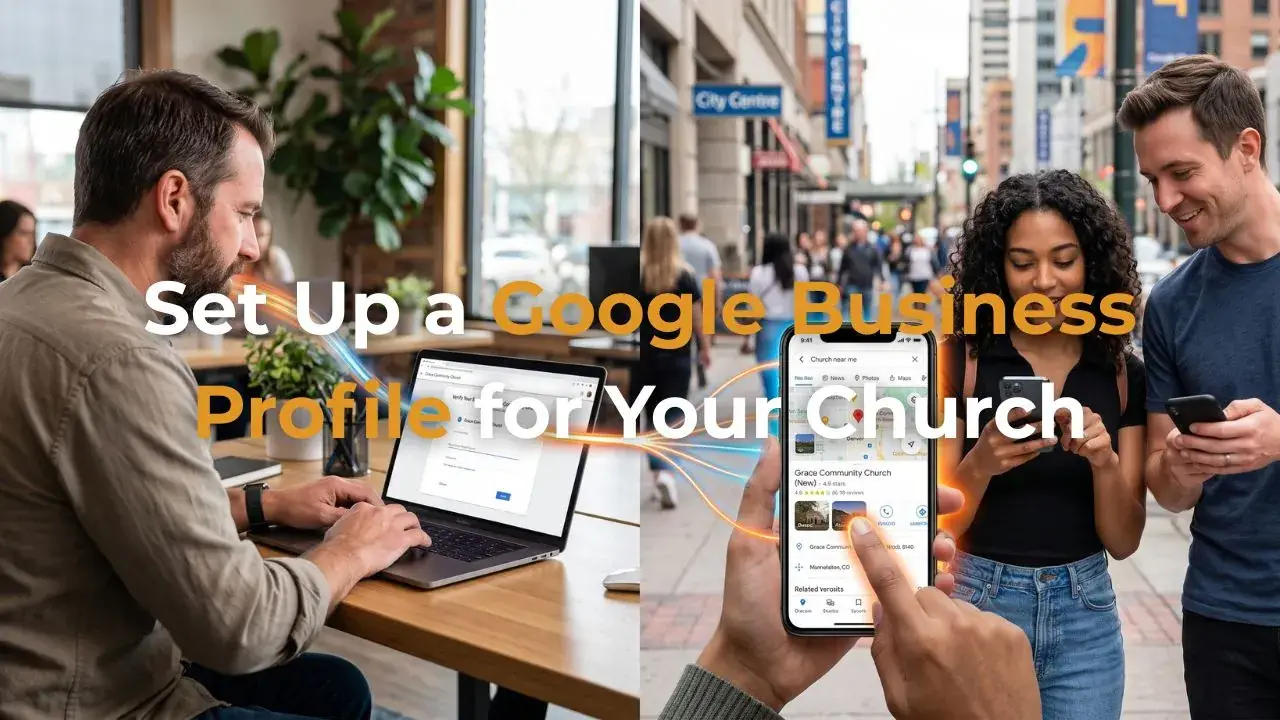
How to Set Up a Google Business Profile for Your Church — A Step-by-Step Guide
Aug 17, 2026There is one free digital tool that Australian churches consistently overlook — and it produces some of the most direct, immediate results of anything in the digital toolkit.
It's called a Google Business Profile. And if your church doesn't have one set up correctly, you are significantly less visible to people searching for a church in your area right now.
A Google Business Profile is the listing that appears on the right side of Google when someone searches for your church by name — and more importantly, in the map results when someone searches "church near me" or "church [suburb]." It shows your address, phone number, website, service times, photos, and reviews. It puts you on Google Maps.
Setting it up takes less than an hour. And it's completely free. Here's exactly how to do it.
Why Google Business Profile Matters for Your Church
When someone searches "church near me" on Google, three types of results appear: paid ads (which your Google Ad Grant covers), organic website results, and a map pack — a cluster of three local businesses or organisations with pins on a map.
That map pack is dominated by Google Business Profile listings. Without a verified Google Business Profile your church cannot appear in the map pack — regardless of how good your website is or how well your Google Ads are performing.
For local searches — which is exactly what a person looking for a church to attend uses — the map pack is often the first thing they click. Getting into that map pack is one of the highest-impact low-effort things a church can do for its local digital visibility.
Step-by-Step Setup Guide
Step 1 — Check if a Profile Already Exists
Before creating a new profile, search for your church name on Google Maps. Google sometimes automatically creates unverified Business Profiles for churches based on publicly available information. If one already exists, you'll need to claim it rather than create a new one. Look for a "Claim this business" link on the profile.
Step 2 — Go to Google Business Profile Manager
Go to business.google.com and sign in with your church Google Workspace account. Click "Add your business to Google" and enter your church name exactly as it appears on your signage and website.
Step 3 — Choose Your Business Category
Select "Church" as your primary category. You can add secondary categories — "Religious organisation," "Place of worship," or "Community centre" can be appropriate depending on your church's activities.
Step 4 — Add Your Location
Enter your church's physical address. If your church meets in a rented venue (like a school or community hall) that has its own Google listing, you can still add the address — Google will associate your church with that location without conflicting with the venue's own listing.
Step 5 — Verify Your Business
Google requires verification before your listing goes live. For most businesses this involves receiving a postcard with a verification code at your address — which typically takes 5-10 business days. Some churches qualify for instant verification via phone or email. Follow the prompts to choose your verification method.
Step 6 — Complete Your Profile
Once verified, complete every section of your profile. The more complete your profile, the better Google ranks it in local results. Key sections to complete: hours (including weekend service times), website URL, phone number, description, photos, and service attributes (whether you offer children's programmes, whether services are in English, whether the venue is accessible, etc.).
Make it count
Google Business Profile Completion Checklist
| ✓Church name exactly as it appears on your signage and website |
| ✓Full address verified and accurate on the map pin |
| ✓Service times listed accurately including Sunday hours |
| ✓Website URL linked to your church's main website |
| ✓Phone number added and correct |
| ✓Description written — 250 words, includes suburb and mission naturally |
| ✓Photos uploaded — exterior, interior, congregation, and events (minimum 10 photos) |
| ✓Service attributes selected — children's programme, accessibility, language, parking |
Photos — The Most Underused Element of Any Church Profile
Google Business Profiles with more photos receive significantly more views and clicks than those with few or none. For a church, photos serve a critical emotional function — they answer the question "Do people like me go here?" before a visitor ever visits the website.
Upload at least 10 photos including: your building exterior (so people can find you), your main gathering space set up for a service, your congregation during a relaxed moment like morning tea, your children's programme, your pastoral team, and any community events your church runs. Avoid stock photos — real photos of your real community build far more trust.
Google Reviews — How to Get Them and Why They Matter
Google reviews are one of the most significant factors in how prominently your Business Profile appears in local search results. A church with 30 genuine five-star reviews will appear higher in "church near me" searches than one with no reviews — regardless of other factors.
The simplest way to get reviews is to ask. Send an email to your congregation with a direct link to your Google review page (found in your Business Profile dashboard) and a brief, genuine request: "If our church has meant something to you, a Google review helps other people in [suburb] find us. It takes two minutes and makes a real difference."
Why it matters
|
1hr
To set up
Complete setup takes less than one hour
|
$0
Cost
Completely free — no advertising spend required
|
3x
More visible
Complete profiles receive up to 3x more direction requests
|
Map
Pack visibility
The only way to appear in Google Maps "church near me" results
|
Maintaining Your Profile
A Google Business Profile is not a one-time setup — it needs regular maintenance to remain accurate and to signal to Google that your church is active. Update your service times when they change (particularly around Christmas and Easter), add new photos regularly, post updates about upcoming events using Google Posts, and respond to every review — both positive and negative — promptly and graciously.
At DEO Ministry, setting up and maintaining your church's Google Business Profile is part of our Seed Package. We set it up correctly, write your description with the right keywords, upload your photos, and ensure it stays current as part of our fortnightly management routine.
Book Your Free Strategy Call →
Written by Daniel Jackson — The founder of DEO Ministry and a commissioned elder at Soma Blue Mountains. He holds a Master of Divinity from Christ College Sydney and a Master of Arts in Theology from SMBC. He has helped scale businesses to over $1,000,000 in annual turnover and is passionate about helping Australian churches use digital tools to reach more people with the gospel.