
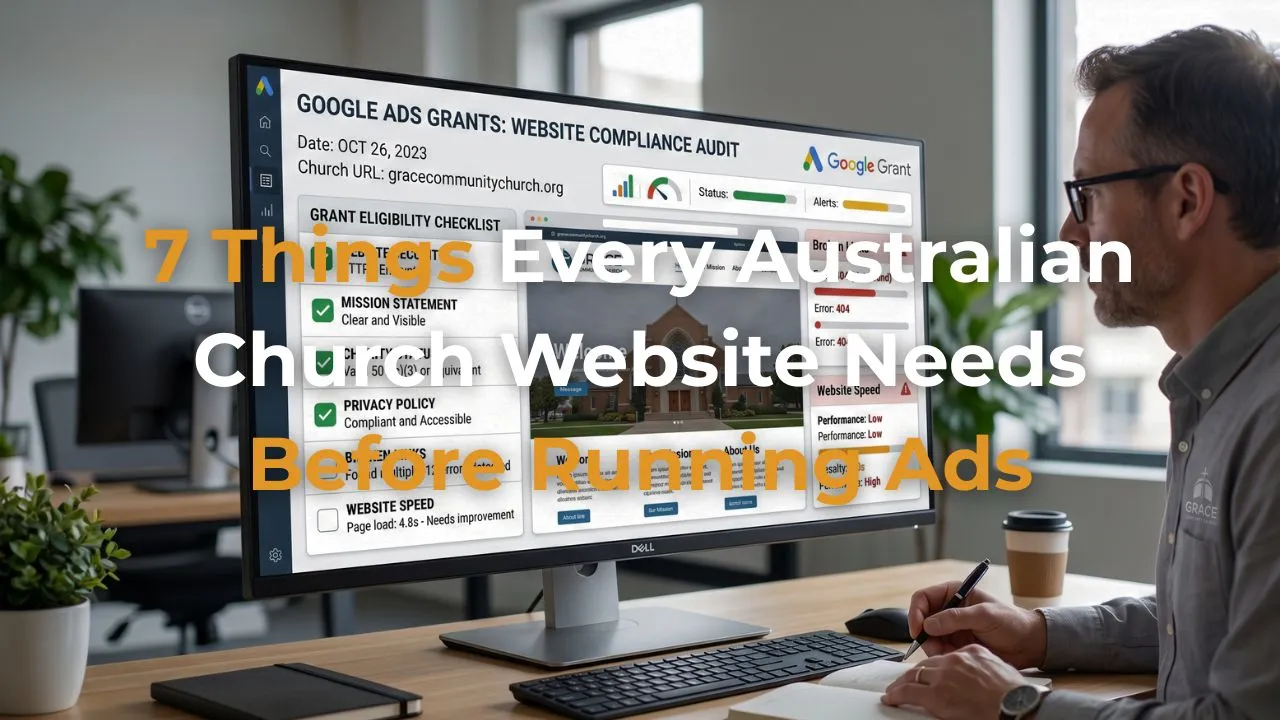
7 Things Every Australian Church Website Needs Before Running Ads
Apr 20, 2026Many Australian church leaders are excited about the Google Ad Grant — and rightly so. Up to $10,000 USD per month in free advertising is an extraordinary resource for any church. But there's something I have to tell you before your church starts the application process that might surprise you.
The ads are not the hard part. The website is.
Google manually reviews every church website before approving the Ad Grant. And even after approval, a poorly prepared website means your free advertising budget drives people to a page that doesn't convert — which is almost as bad as not having the grant at all.
In this post I'm going to walk you through the 7 things every Australian church website needs in place before you run a single ad. Get these right and you'll not only pass Google's review — you'll have a website that actually turns visitors into connections.
Why Your Website Matters More Than Your Ads
Think of it this way. Your Google ads are like a road sign pointing people to your church. But if the road sign leads somewhere confusing, unwelcoming or broken — people drive past and don't come back.
Google knows this. That's why their Ad Grant policy requires websites to meet a specific set of standards before they'll approve your account. And it's why I always fix the website before working on the advertising.
A well-prepared church website doesn't just help you get the grant. It makes every dollar — or in this case every free credit — work significantly harder once the grant is live.
The 7 Things Your Church Website Needs
1. HTTPS Secure Connection
This is the non-negotiable starting point. If your church website doesn't have HTTPS — shown by the padlock icon in the browser address bar — Google will not approve your Ad Grant application. Full stop.
HTTPS means your website has an SSL certificate installed, which encrypts the connection between your site and the visitor's browser. Beyond the Google requirement, it also builds trust with visitors — particularly those who are filling in contact forms and sharing their personal details.
Most modern website platforms install SSL certificates automatically. If your site is showing as "Not Secure" in the browser bar, contact your hosting provider immediately — this is usually a straightforward fix.
2. A Clear Mission Statement on Your About Page
Google's Ad Grant policy requires that your website clearly identifies your organisation's mission and charitable purpose. For a church this means your About page needs to do more than list your service times and your pastor's name.
It needs to answer three questions clearly and quickly:
- Who are you as a church community?
- What do you believe and what drives you?
- How does your church serve your local community beyond Sunday gatherings?
That last point is particularly important. Google wants to see that your church has a genuine community impact — not just a Sunday service. Mention your food bank, playgroup, grief support group, youth programs, and community events. Show Google — and your visitors — that your church exists to serve.
3. Your ABN and ACNC Charity Status in the Footer
When Google's reviewers manually check your website they look for evidence that you are a legitimate registered charity. The simplest way to provide this is to include your ABN and a line stating that your church is a registered charity with the Australian Charities and Not-for-profits Commission (ACNC) in the footer of every page.
This takes about five minutes to add and immediately communicates legitimacy to both Google and your website visitors. It also builds trust with people who are considering attending or getting involved — they can see at a glance that your church is properly registered and accountable.
4. A Privacy Policy Page
If your church website has any forms — a contact form, an event registration, a newsletter signup — you are legally required under the Australian Privacy Act 1988 to have a Privacy Policy that explains how you collect, use and store personal information.
Google also checks for a Privacy Policy as part of the Ad Grant review. Without one your application is likely to be rejected — or if it gets through, you risk having the grant paused later during a compliance review.
Your Privacy Policy doesn't need to be complicated. It needs to cover what information you collect, how you use it, who you share it with, and how people can request access to or deletion of their data. If you're not sure where to start, I've written a detailed Privacy Policy template that covers everything Australian churches need — including Google Analytics, Meta Pixel, and overseas data storage.
5. A Clear Giving or Donation Page
Google requires that any church using the Ad Grant has a transparent giving or donation page. This doesn't mean you need to display your full financial statements — but it does mean the page needs to clearly explain that donations support the charitable work of the church.
A good giving page for a church includes a brief explanation of how donations are used, a link to your ACNC profile for financial transparency, and a clear and simple way to give. If your giving is handled through an external platform like Tithe.ly or Church Community Builder, make sure the link from your website to that platform is clearly visible and working.
6. A "New Here" or Welcome Page
This one isn't strictly a Google requirement — but it's one of the most important things your website can have for converting ad traffic into real connections.
When someone clicks a Google ad and arrives at your website for the first time, they need to know immediately that there's a place for them. A dedicated "New Here" or "Visit Us" page answers the questions a first-time visitor has before they've even thought to ask them. What should I expect? Where do I park? What do people wear? Is there something for my kids? When do services start?
A well-designed newcomer page removes every barrier between someone clicking your ad and walking through your doors. Without it, curious people land on your homepage, feel overwhelmed or unclear, and leave without taking any action.
7. At Least One Conversion Point
Google requires that every Ad Grant account has at least one active conversion set up — a specific action on your website that Google can track and measure. Without a conversion your account won't be approved, and your ad spend will have no way of measuring success.
For a church the most common and effective conversion points are:
- A contact or enquiry form submission
- A click on your giving button
- A click on your "Plan a Visit" or "Book a Coffee" button
- A registration for an event or Alpha course
Setting up conversion tracking requires installing Google Analytics on your website and connecting it to your Google Ads account. It sounds technical but it's a one-time setup that takes about 30 minutes with the right guidance.
Your pre-launch checklist
Everything Your Church Website Needs Before Running Ads
| What You Need | Time to Fix | Google Requirement |
|---|---|---|
| HTTPS secure connection | 30 minutes | Required |
| Mission statement on About page | 1–2 hours | Required |
| ABN and ACNC status in footer | 10 minutes | Required |
| Privacy Policy page | 1–2 hours | Required |
| Transparent giving or donation page | 30–60 minutes | Required |
| New Here or Welcome page | 2–4 hours | Recommended |
| At least one conversion point set up | 30–60 minutes | Required |
| No broken links or outdated content | 1–3 hours | Required |
| Page speed score 70+ mobile, 80+ desktop | 3–24 hours | Required |
Green = required by Google for Ad Grant approval · Amber = strongly recommended for converting ad traffic
The Bonus Item — No Broken Links or Outdated Content
While not one of the official seven, this is the thing that catches most churches out during Google's review. A website with broken links, "Coming Soon" pages, or events from two years ago sends a clear signal to Google that the site is not being actively maintained.
Before you submit your Ad Grant application go through every page of your website and check:
- Every link goes somewhere and loads correctly
- Every event listed is current or upcoming — not past
- Every staff or team member listed is still at your church
- Every "Coming Soon" section has either been completed or removed
- Contact details are current and accurate
I do a full website audit for every church I work with before we submit their Ad Grant application — because the smallest broken link can delay approval by weeks.
Bonus Item 2 - Page Speed
In order to receive and keep your Google Ads Grant your website needs to be up to speed. You can check how long it takes for your website to load by using the Page Speed Insights Web Developer page here. Just enter your homepage and hit enter.
You are after a page speed score in the 70+ range on mobile and 80+ on desktop. If you are falling below this, the website will give you some advice on how to fix it. Often it involves reducing the size of your image files, compressing your code, updating your website, and removing unused plugins.
Together this can take a lot of time, especially if you are not an expert in this area.
How Long Does It Take to Fix All of This?
For most Australian church websites I work with, getting all seven of these items in place takes between one and three days of focused work. Here's a rough breakdown:
- HTTPS setup — 30 minutes (or a call to your hosting provider)
- About page update — 1-2 hours of writing and editing
- ABN and ACNC footer — 10 minutes
- Privacy Policy — 1-2 hours to write and publish
- Giving page update — 30-60 minutes
- New Here page — 2-4 hours to write, design and publish
- Conversion tracking setup — 30-60 minutes
- Broken link audit and cleanup — 1-3 hours depending on site size
- Speed audit and clean up — 3-24 hours depending on site issues
That's a full day of work for someone who knows what they're doing. For a volunteer or a pastor trying to do it between other responsibilities, it can stretch out for weeks.
From preparation to your first live ad
The Road to Your Google Ad Grant
|
Step 1
|
1–3 days
Website preparation Fix HTTPS, update About page, add ABN to footer, write Privacy Policy, update giving page, create New Here page, set up conversion tracking, audit for broken links, improve page speed. |
|
Step 2
|
2–5 days
Goodstack charity verification Register at Goodstack and submit your ACNC documentation to receive your validation token. Google uses this to confirm your charity status. |
|
Step 3
|
1–3 days
Google for Nonprofits application Apply at google.com/nonprofits using your Goodstack token. Once approved activate the Ad Grant specifically from within your Google for Nonprofits dashboard. |
|
Live!
|
Total: 2–4 weeks
Your first live ads are running Your church appears at the top of Google when people in your community search for a church, community support, or topics your pastor is preaching about. $10,000 USD per month. For free. |
What Happens After You Fix These 7 Things?
Once your website meets these requirements you're ready to submit your Google for Nonprofits application and begin the Ad Grant activation process. From submission to your first live ads is typically two to four weeks — including the Goodstack charity verification and Google's manual website review.
If you want to understand the full application process in detail I've written a complete guide here:
What Is the Google Ad Grant and How Does It Help Churches? →
Let Us Handle the Website Preparation for You
At DEO Ministry, preparing your church website for the Google Ad Grant is part of our Seed Package. We audit your existing site, fix what needs fixing, write the missing pages, set up Google Analytics and conversion tracking, and submit your application — so you can focus on ministry while we handle the technical preparation.
If you'd like to find out what your church's website needs before you can apply for the grant, book a free 30-minute strategy call. I'll take a look at your site and give you a clear picture of what's ready and what needs work — with no obligation.
Book Your Free Strategy Call →
Written by Daniel Jackson - The founder of DEO Ministry and an elder at Soma Blue Mountains. He holds a MDiv from Christ College Sydney and a MATh from SMBC. He has helped scale businesses to over $1,000,000 in annual turnover and is passionate about helping Australian churches use digital tools to reach more people with the gospel.